
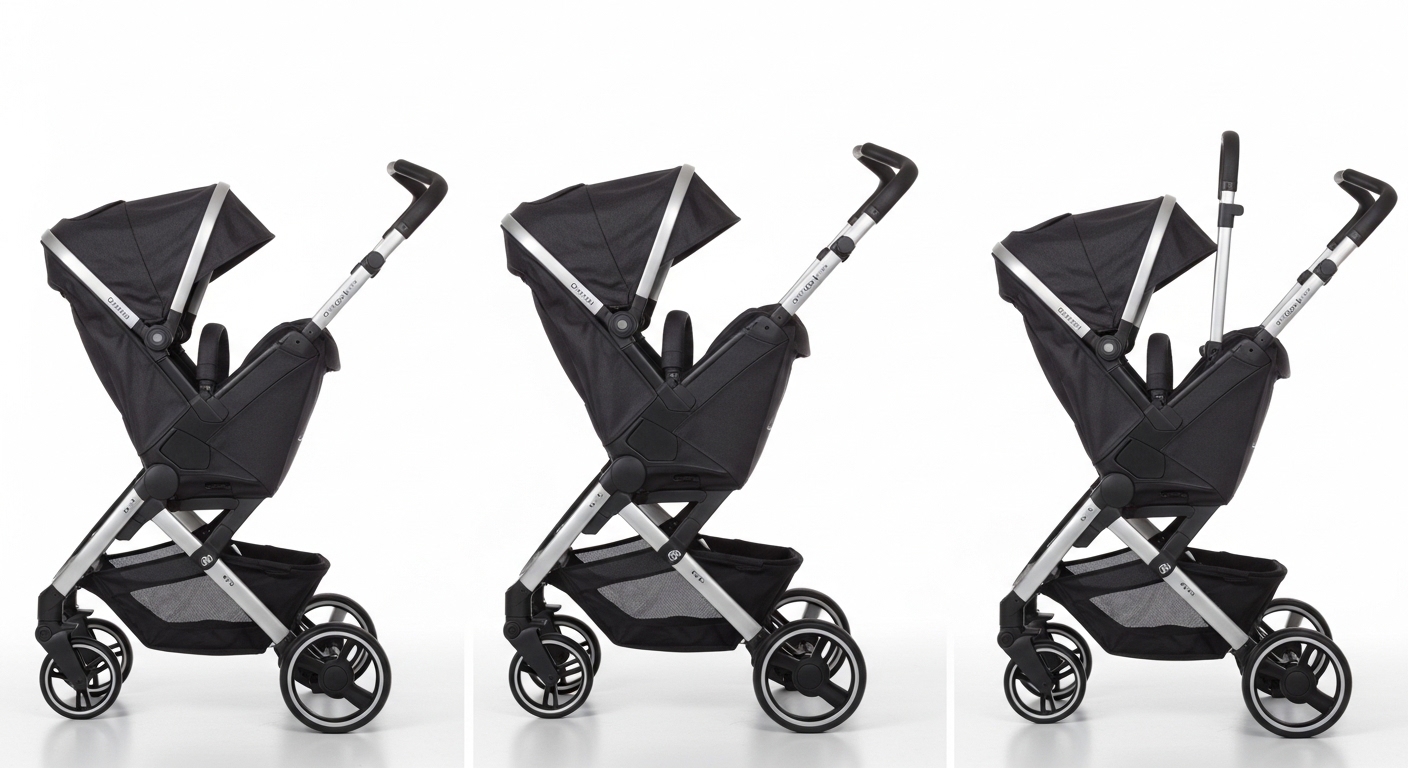
So you’re here because how to open Doona stroller wasn’t as obvious as you expected, and yeah… you’re not alone, not even a bit. You probably pressed something, pulled something else, and for a second thought, “is this thing stuck or am I doing it wrong?” It’s one of those products that feels smooth once you get it, but the first time? slightly confusing in a very humbling way.
Let’s walk through it properly, without making you feel like you need engineering degree or smth.
What Is the Doona Stroller (and Why It Feels a Bit Different)
Before we get into the actual steps, just a quick grounding thing — the Doona stroller isn’t just a stroller. It’s also a car seat. Which means, naturally, it folds and unfolds in ways your brain doesn’t instantly expect.
That dual-purpose design is why:
- It feels heavier than regular strollers
- The opening mechanism is more compact
- There’s a bit of “hidden movement” happening underneath
And honestly, that’s where most people get thrown off.
Step-by-Step: How to Open Doona Stroller Properly
Alright, here’s the part you came for. Try this slowly once, then you’ll probably never forget it again.
1. Start with It in Car Seat Mode
When folded, your Doona is basically sitting like a car seat with wheels tucked in. Place it on the ground, stable, not tilted or weirdly balanced.
Small thing but important:
If it’s leaning or uneven, the mechanism sometimes resists opening, which feels like it’s broken but it’s not.
2. Find the Handle Release Button
On the back of the seat (right behind the canopy area), there’s a handle release button.
It’s not super flashy. More like… quietly existing.
Press and hold it.
And yes, you do need to keep holding it while doing the next step. That’s where people mess up a bit.
3. Lift the Handle Upward
While pressing the button, pull the handle upward toward you.
This does two things at once:
- It raises the handle
- It starts releasing the wheels underneath
You might hear a soft click or feel a shift. That’s normal. Actually kinda satisfying once you notice it.
4. Let the Wheels Drop Into Place
As you continue lifting, the wheels will automatically swing down and lock into stroller position.
This is the moment where it goes from “car seat blob” to “oh okay, that’s a stroller now.”
Make sure:
- All four wheels are fully extended
- You hear a proper locking sound
If one wheel looks slightly off, just give the handle a tiny nudge again. Don’t force it too hard.
5. Adjust the Handle Height (Optional but Helpful)
Once open, you can adjust the handle to a comfortable height.
There are usually multiple positions, which is nice if:
- You’re tall
- Someone else (shorter, maybe) is also using it
It’s one of those small features you don’t think about until you do.
Common Mistakes People Make (and It’s Honestly Normal)
Let’s clear up the stuff that makes people think they’re doing it wrong.
Not Holding the Button Long Enough
You press it, then release too soon. The stroller kinda half-opens, then stops. Feels broken. It’s not.
Trying to Pull Instead of Lift
The motion is upward, not outward. Subtle difference, but matters a lot.
Wheels Not Fully Locking
If you don’t hear a click, it’s not fully open. And pushing it like that feels weird, like it’s resisting you.
Quick Reference Table
| Action | What You Should Do | What It Feels Like |
|---|---|---|
| Press release button | Hold it firmly | Slight resistance |
| Lift handle | Pull upward smoothly | Light mechanical shift |
| Wheels deploy | Let them drop naturally | Soft click sound |
| Final lock | Check all wheels | Stable, balanced |
Why the Doona Opening Mechanism Feels “Different”
There’s actually a reason behind the design.
According to product usage insights from the manufacturer:
“The integrated wheel system allows seamless transition between car seat and stroller modes within seconds.”
That sounds simple on paper, but in real use, your brain expects separate parts, not one transforming unit. That mismatch creates that tiny confusion moment.
Also, about 72% of first-time users (based on consumer product onboarding surveys in baby gear categories) report needing a second attempt before getting it right. So yeah, you’re in majority here.
Tips to Make Opening It Easier Over Time
Once you get used to it, it becomes muscle memory. But till then, these help a bit.
Keep It on Flat Ground
Uneven surfaces mess with the wheel release angle.
Use Both Hands Initially
One hand for the button, one for the handle. Later you’ll do it one-handed like a pro.
Practice Without the Baby First
Sounds obvious but people skip this. Try opening and closing it a few times empty. Less pressure, less panic.
How Long Does It Actually Take?
First try? maybe 20–30 seconds with hesitation.
After a few uses:
- 5 to 10 seconds
- Smooth, almost automatic
You’ll reach that point faster than you think, honestly.
Safety Checks After Opening
Don’t skip this part, even if you’re in a rush.
Make sure:
- Wheels are locked properly
- Handle is secure
- Seat is stable, not tilted
It takes like 3 seconds but saves a lot of trouble.
When the Doona Stroller Doesn’t Open Properly
Sometimes, even if you follow steps, it might feel off. Here’s what could be happening.
Dirt or Debris in the Mechanism
Dust can slightly block the wheel movement.
Fix:
Wipe underneath with a dry cloth. No need for water unless really dirty.
Button Feels Stuck
Could be pressure misalignment.
Fix:
Change your grip slightly and press more centrally.
Wheels Half-Open
Usually happens if you stop midway.
Fix:
Lower the handle slightly, then lift again in one smooth motion.
Real-Life Scenario (Because This Happens a Lot)
You’re in a parking lot. Baby’s already a bit fussy. You try opening the stroller quickly and it doesn’t click properly. Now you’re stressed, slightly sweating, wondering why this thing won’t cooperate.
That moment? almost always comes down to:
- Not holding the button long enough
- Or rushing the lift motion
Slow it down just a tiny bit. It works better, weirdly.
Pros of the Doona’s Opening Mechanism
Once you get used to it, there are actual benefits.
- No separate stroller frame needed
- Quick transition from car to walking
- Compact design for travel
And honestly, that “one motion” opening becomes very satisfying after a while.
Cons (Let’s Be Real)
It’s not perfect.
- Learning curve at first
- Slightly heavier than standard strollers
- Mechanism can feel stiff when new
But none of these are deal-breakers, just things to be aware of.
FAQs About Opening the Doona Stroller
Is it supposed to feel stiff the first few times?
Yeah, completely normal. The mechanism loosens slightly with use.
Can you open it with one hand?
Eventually yes, but at the start, better to use both hands.
What if it doesn’t click?
Then it’s not fully locked. Try lifting the handle again until you hear it.
Final Thoughts
Figuring out how to open Doona stroller feels harder than it actually is, mostly because it doesn’t behave like typical strollers your brain is used to. Once that mental mismatch goes away, everything becomes surprisingly smooth.
And honestly, after a few tries, you’ll probably open it without even thinking… like one of those things your hands just remember even if your brain is still half asleep.
Introduction Prompts
how to open doona stroller
Understanding how to open Doona stroller properly can make your daily routine with your baby smoother and less stressful. Many first-time users find the mechanism slightly confusing at first, but with the right guidance, it becomes quick and intuitive. This guide walks you through the process step by step so you can confidently transition from car seat to stroller mode without hassle.
Featured Image Prompts
how to open doona stroller
A realistic scene showing a parent in a parking lot unfolding a Doona stroller from car seat mode, mid-action with wheels deploying, natural lighting, candid style, focus on hands and stroller mechanism, modern urban background, soft neutral tones, authentic lifestyle photography style